ParcelBench
THE ECOMMERCE PACKING TOOLKIT

Pack smarter.
Ship better.

Practical calculators and step-by-step field guides for the people who pack, ship, and run ecommerce operations.

Free to use · No signup

Tools by task

247 tools across 12 packing and shipping workflows.

Browse all tools

Packing workbenches

Plan carton layouts, compare materials and prepare packing reports.

All 7 workbenches
View all tools

A packing plan you can repeat

Use the same measurements and assumptions from the first trial to the final report.

Measure the packed item

Measure the product with its retail packaging, fittings and any required protection. Use the carton's internal dimensions for fit. Wall padding and gaps between products consume usable space, so include them before comparing orientations.

Check the carton layout
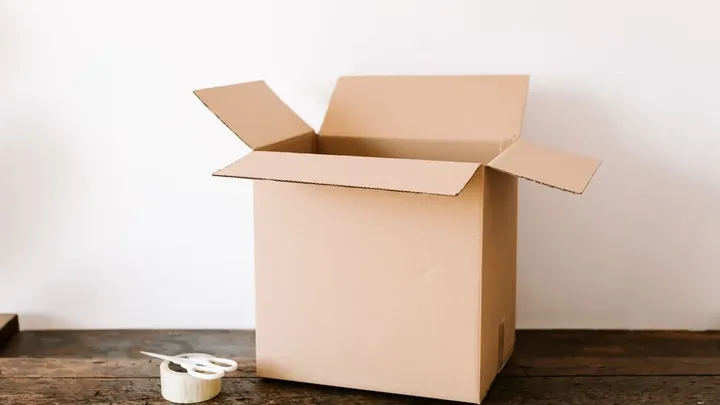
Compare the complete parcel

Weigh a sealed trial pack and measure its external dimensions. Compare carton, filler, closure and labor costs together. A smaller carton can reduce empty space while changing protection needs and packing time.

Calculate packing costs

Record the packing specification

Save the carton size, product orientation, material quantities and instructions that the trial established. Date the costs you use. When a supplier price or packing method changes, compare it with the same baseline before updating the specification.

Prepare a packing report

Box dimensions affect shipping weight

For a parcel measuring 30 × 20 × 15 cm, a divisor of 5,000 gives a dimensional weight of 1.8 kg. With an actual weight of 1.2 kg, the larger value is 1.8 kg before carrier rounding. Use the divisor and rounding rules from your own service agreement.

Calculate dimensional weight
External carton
30 × 20 × 15 cm
Dimensional weight
1.8 kg
Actual weight
1.2 kg

From the field guides

Worked examples for decisions that need more than a number.

All field guides
Packing workflow and common questionsMeasurements, trial packs, shipping weight and record keeping.Read the workflow
Photography credits